How to use Portrivo
Overview
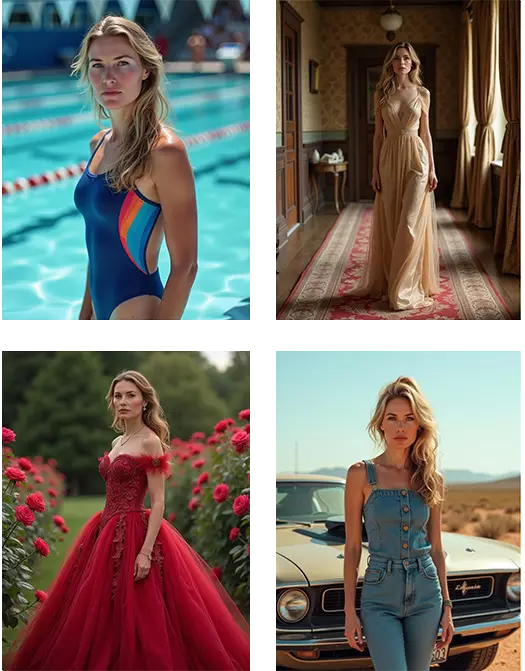
The term "AI Photoshoot", "AI Headshots" or "AI Avatars" refers to the process of creating a generative AI model from around 16 images of a person. This model can then be used to create professional photography imagery of the person, without requiring high-end camera equipment, lighting, or wardrobe.
AI headshots are particularly useful for social profile photos, such as those used on LinkedIn or Facebook, as well as on dating sites.
Another recent trend is the creation of virtual social influencers - consistent characters that do not exist in reality, but can be generated consistently in different scenes and everyday life.
Training images
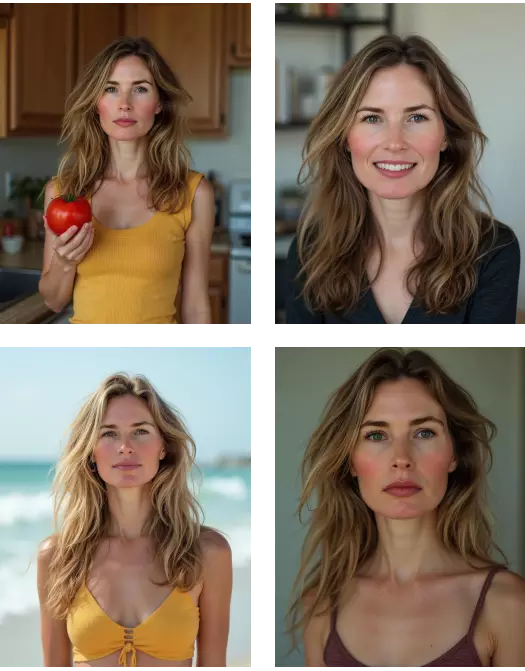
Generated images
How to Use Portrivo
Portrivo helps you create AI-generated portrait, headshot, image, and selected video packs from your own photos. You choose a pack, upload a small set of clear photos, complete checkout, and Portrivo prepares the final gallery for you.
1. Choose a portrait pack
Start by opening the Portrivo app and browsing the available packs. Each pack has its own style, example previews, output count, and price.
You can filter packs by class, such as Woman, Man, Kids, or Pets, and by theme, such as professional portraits, fashion, holidays, artistic styles, and more.
When a pack includes video outputs, Portrivo shows the included video count together with the image count.
2. Enter your email
Portrivo uses your email for order access, checkout, processing updates, and final delivery notifications. If you already have a Portrivo account, the app can use your signed-in account email.
3. Upload your photos
Upload 4 to 16 photos. These photos are used to understand the subject's face, look, and visual details before creating the selected pack.
For best results:
- use clear, high-quality photos;
- include different angles and expressions;
- use photos from different moments, outfits, lighting, and backgrounds;
- make sure the face is visible and not covered by sunglasses, hands, hair, or heavy filters;
- avoid blurry, very dark, very low-resolution, or heavily edited photos;
- avoid group photos or photos where other people appear prominently;
- do not upload photos of someone without their consent.
GOOD IMAGE EXAMPLES FOR PORTRAIT GENERATION
- Use shoulders-up images
- Waist-up images are also good
- Looking at the camera
- Variation, from different days
- Change in backgrounds, lightning, clothing
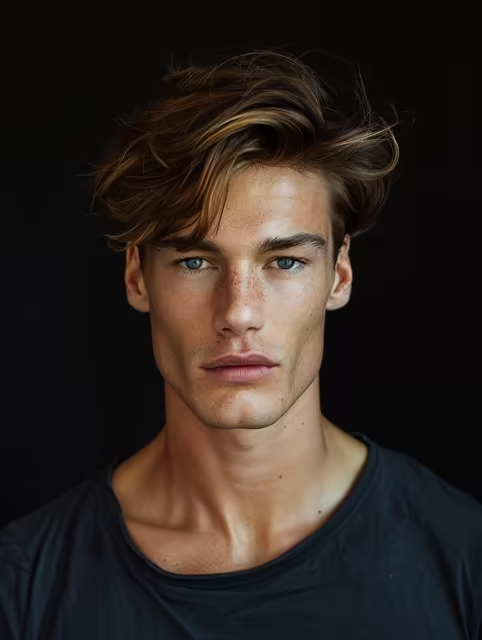
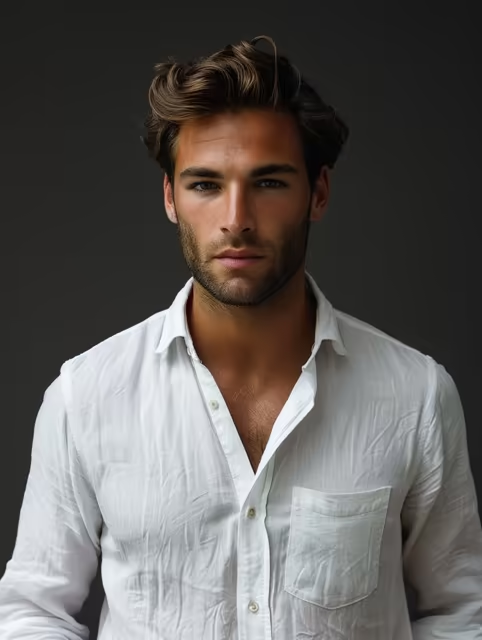
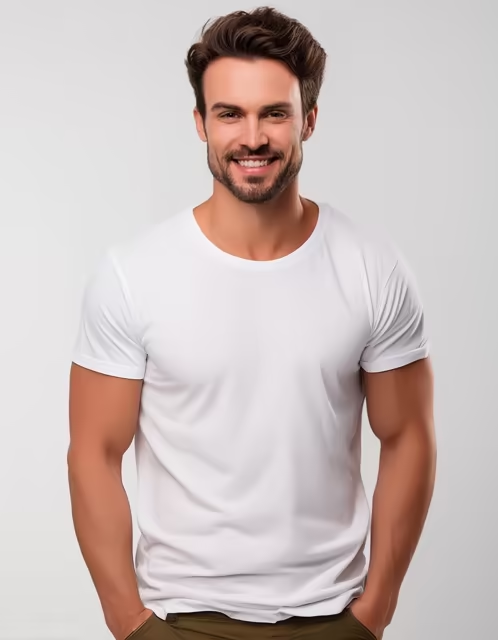
BAD IMAGE EXAMPLES FOR PORTRAIT GENERATION
- AI generated images
- Extra people
- Same day or with same clothing
- Funny-faces
- Filters, Black and White or Sepia
- Bad lightning, low quality, blurry
- Hat, glasses
- Bad angles
- Cropped face
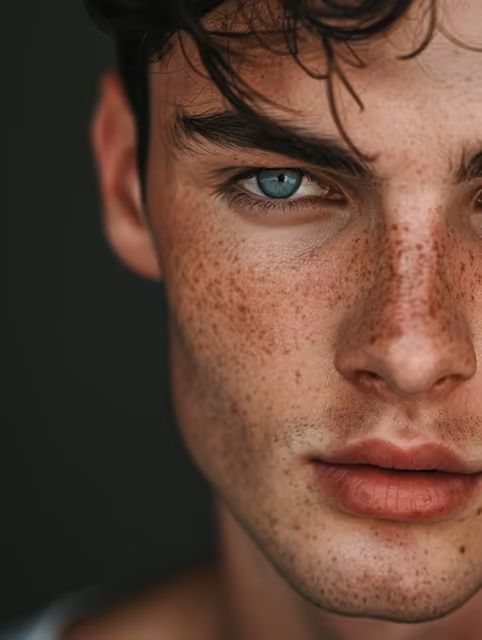
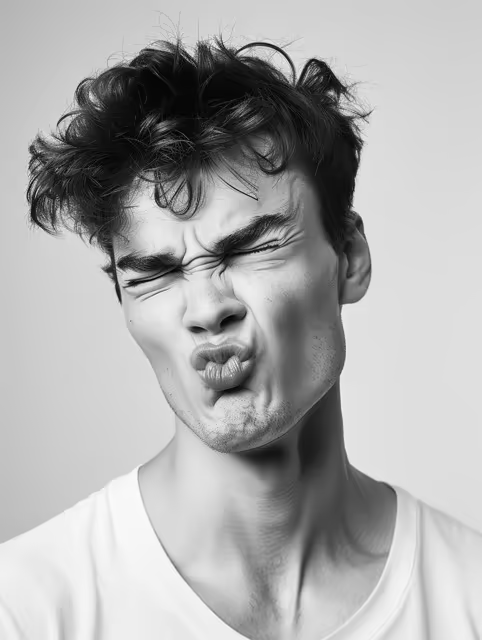
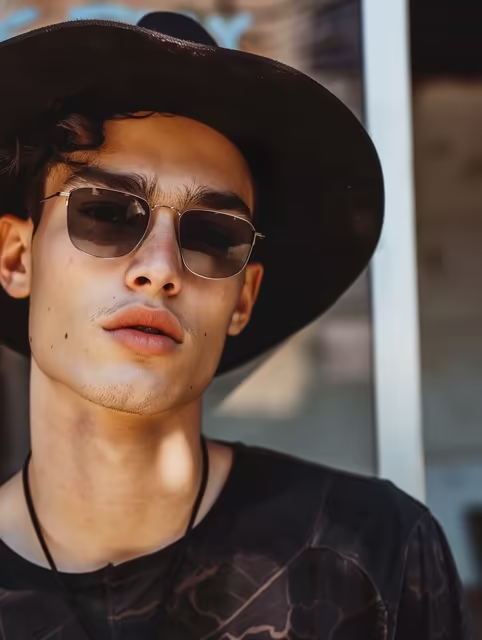
If you are signed in and already have saved photos in your Portrivo library, you can reuse them instead of uploading the same photos again.
4. Apply a discount code if you have one
If you have a discount code, enter it before continuing to checkout and press Apply. The checkout summary will update before payment.
5. Complete secure checkout
Portrivo uses secure Stripe checkout for payments. After payment is confirmed, the order starts processing automatically.
6. Track your order
After checkout, Portrivo sends order updates by email. You can also open your order from your dashboard or from the secure tracking link in the email.
Typical order states include payment confirmed, processing, generating, ready, or failed. If a technical failure occurs, Portrivo can review the order and retry or resolve it from the admin process.
7. Receive your final gallery
When the order is ready, Portrivo sends an email with a link to your final gallery. You can open the gallery, review the generated images or videos, and download the results.
8. If something goes wrong
If your order fails because of a technical issue, Portrivo will review the order status. Depending on the situation, the order may be retried, resolved, or refunded according to the Refund & Failed Generation Policy.
For the best chance of strong results, always start with clear photos that show the face well. The quality of the uploaded photos has a direct impact on the quality of the final AI-generated portraits.